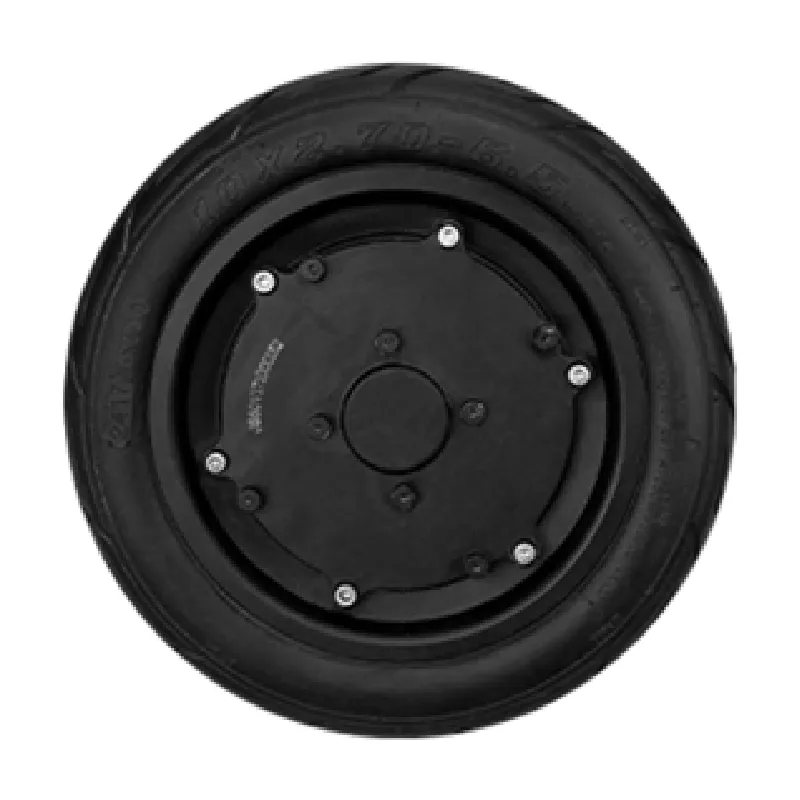
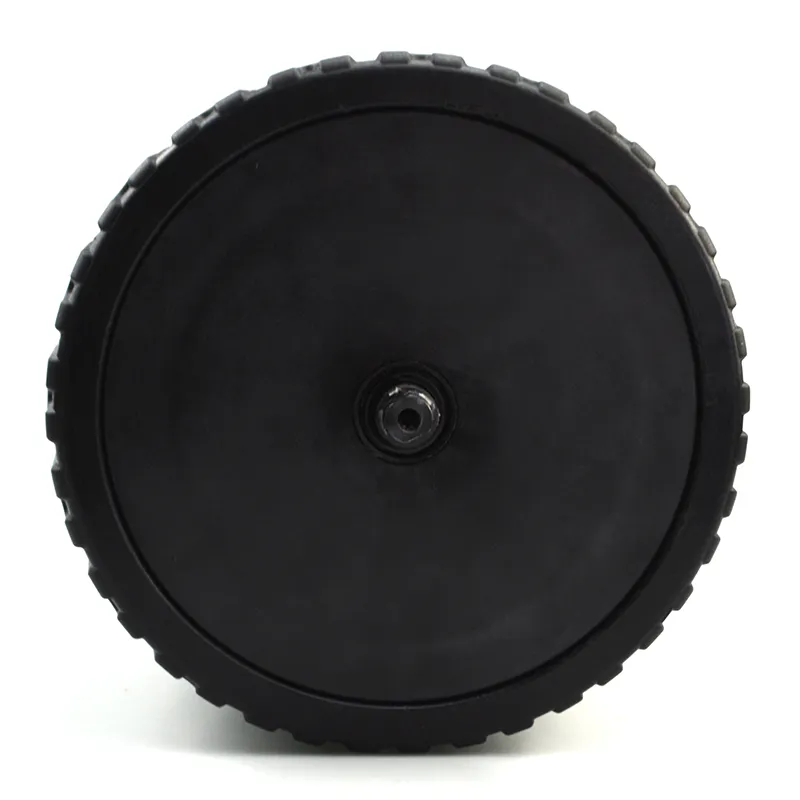
In table tennis ball machines, a motor that runs hotter than usual—often paired with new vibration or grinding noise—is rarely “normal wear.” It’s typically a measurable shift in load, bearing condition, power quality, or environmental sealing. For equipment maintenance teams, the real cost isn’t the motor itself; it’s the hidden downtime: reduced training throughput, missed coaching schedules, and repeated callbacks.
This guide breaks down the most common overheating mechanisms and provides a practical workflow that can be executed with basic tools (multimeter, clamp meter, IR thermometer, and a simple mechanic’s stethoscope). It also explains a frequently overlooked mechanical factor in ball machines: how a 62 mm open-slot (open-gear) structure can affect rotor dynamic balance and motor loading.
A motor will naturally warm under load. Maintenance teams typically flag overheating when any of the following occur:
| Observation | What It Usually Indicates | Quick Check |
|---|---|---|
| Housing > 75°C (167°F) after 10–15 min at normal program | Overload, friction, or poor ventilation | IR thermometer at same spot each test |
| Heat rises fast within 3–5 min | Bearing drag or rotor rubbing | Spin-down time vs a known-good unit |
| New high-pitch whine + hotter motor | Voltage ripple / driver stress / unbalanced load | Measure supply stability under load |
| Grinding/clicking + vibration | Bearing damage or misalignment | Stethoscope near end bells |
| Intermittent thermal cutouts | Electrical resistance rise, poor contact, moisture ingress | Inspect connectors + insulation signs |
Reference ranges: many small DC/BLDC motors are designed to keep winding temperature within insulation class limits, but repeated operation with housing temperatures above ~75–85°C accelerates bearing grease breakdown and coil varnish aging. For maintenance planning, trending “same program, same ambient, same measurement point” is more useful than a single number.
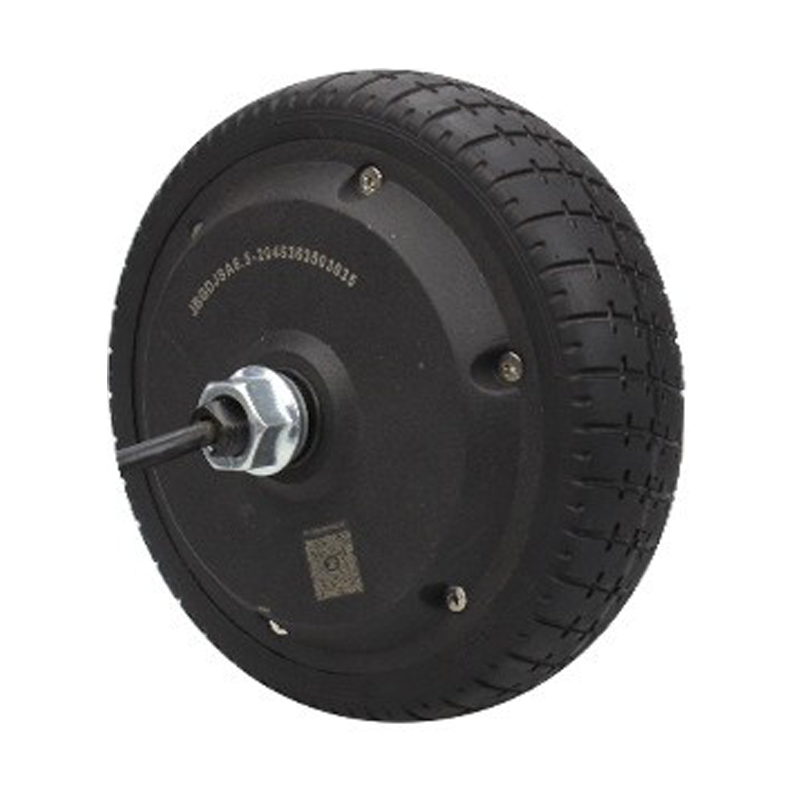
The most common reason a ball machine motor runs hotter is that it is simply doing more work than the controller expects. In compact table tennis robots, “load increase” often comes from small changes that are easy to miss:
A reliable field indicator is current draw. If a unit typically runs at, for example, 1.6–2.2 A during a standard drill but now sits at 2.6–3.2 A with the same program, the motor is converting extra electrical energy into heat—usually due to mechanical resistance.
With a clamp meter or inline meter, log current at idle and current during a fixed drill. A higher-than-baseline delta almost always points to friction, misalignment, or feed resistance before it points to “bad windings.”
Bearings are where overheating and noise most often meet. As lubrication degrades or contamination enters, friction rises sharply. The motor draws more current to maintain speed, and the excess becomes heat. In ball machines, this is accelerated by:
A healthy motor typically produces a smooth, consistent tone. Bearing damage introduces grit-like grinding, cyclic clicking, or a roughness that changes when gently pushing the shaft sideways (do this only when powered off).

In many service cases, the motor is blamed first, but the underlying issue is the power path: adapter, battery pack, connector, or control board. Voltage instability can increase ripple current, raise driver losses, and cause the motor to operate outside its efficient region.
| Item | Recommended Check | Rule-of-Thumb Threshold |
|---|---|---|
| DC supply under load | Measure at controller input while running a fixed drill | Drop > 8% suggests adapter/battery or wiring loss |
| Connector temperature | Touch-safe quick scan (or IR) after 10 min run | Noticeably hotter than ambient points to resistance |
| Voltage ripple (if scope available) | Observe ripple at DC input during acceleration | High ripple correlates with heat and noise complaints |
| Grounding & wiring integrity | Inspect crimping, oxidation, strain relief | Any looseness can cause intermittent cutouts |
For many table tennis robots operating on 12–24 V systems, an 8–10% droop under load can shift operating efficiency and raise current. Even if the unit “still works,” repeated hot cycles shorten motor and driver life.
Moisture doesn’t need to be “water inside the motor” to cause damage. In humid storage rooms, coastal environments, or gyms with frequent floor cleaning, moisture can condense and lead to:
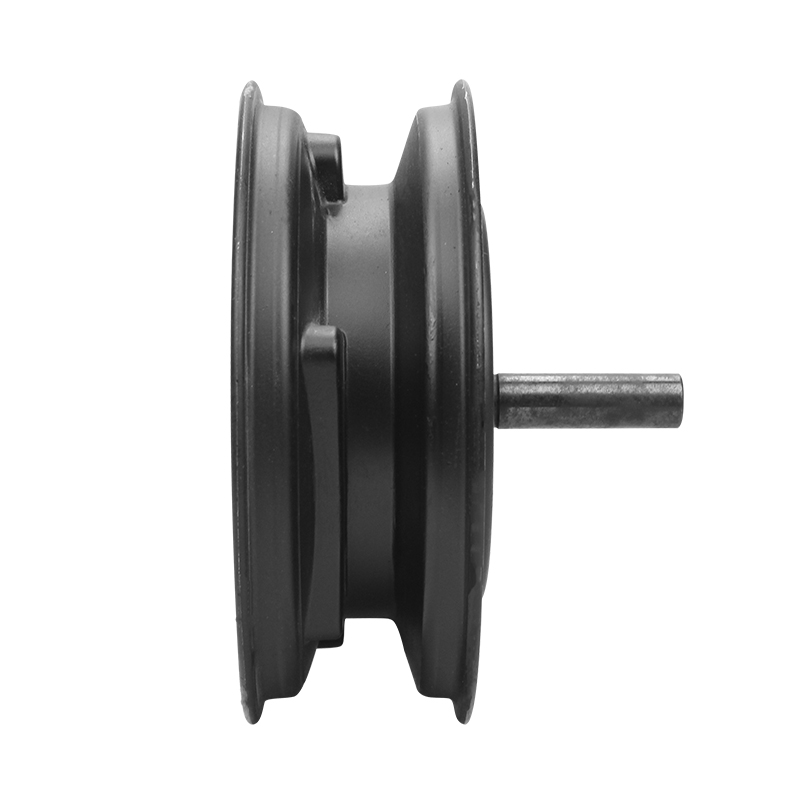
Many table tennis robots use compact mechanical layouts where a 62 mm open-slot (open-gear / open-baffle) structure is introduced for packaging, feeding geometry, or assembly convenience. While practical, open-slot features can shift how forces are transmitted to the motor:
The practical takeaway for maintenance: if overheating and noise are speed-band dependent (e.g., “quiet at low speed, loud and hot at mid-high speed”), the fault may be a dynamic balance + structural coupling issue rather than a pure electrical failure. Addressing alignment, wheel condition, and mounting stiffness can reduce current draw and temperature without replacing electronics.
Case note (service bench): A training center reported repeated overheating alarms on one robot after a transport event. Bearings sounded “okay,” but the unit showed strong vibration at a narrow RPM range. Re-centering the wheel assembly, correcting belt tension, and re-seating the motor mount reduced operating current by about 18% and brought housing temperature down by roughly 12°C during a 15-minute standardized drill.
The workflow below is designed for real maintenance conditions: limited time, limited spare parts, and the need to decide whether to clean, repair, or replace.
If the motor shows persistent high current after cleaning/alignment, has clear bearing roughness, or repeatedly triggers thermal protection in normal drills, replacement can reduce total downtime. For B2B maintenance operations, the “real” KPI is often mean time to restore service—not the cheapest single repair step.
When a maintenance team decides to replace rather than repeatedly troubleshoot, the priority is predictable operation: stable torque delivery, consistent balance behavior, and support that reduces back-and-forth. Under Shenzhen Jinhaixin Holdings, the WINAMICS 4-inch power core motor line is positioned for ball machine applications where reliability and stability matter more than short-term fixes.
For WWTrade buyers comparing replacement options, selecting a motor with stable performance characteristics can also reduce secondary issues—like belt wear, wheel chatter, and speed-band resonance—especially in designs influenced by open-slot structures.
Yes. Many faults increase current draw before they reduce speed. The controller may compensate for load, so performance looks acceptable while heat accumulates. Current + temperature trending reveals the issue earlier.
Bearing issues usually add mechanical roughness (grinding/clicking, shorter spin-down time). Voltage issues often show as speed instability, connector heating, or significant supply droop under the same drill.
In ball machines, yes. Ball dust behaves like an abrasive and friction multiplier. Clubs that implement a simple weekly cleaning routine often see lower current draw and fewer noise complaints over time.
Record: ambient temperature, drill program, run time, measured housing temperature point, current under load, and a 10-second audio clip at the problematic RPM. This evidence speeds up diagnosis and reduces unnecessary part swaps.
If repeated overheating and noise issues are cutting into training uptime, explore a replacement option designed for stable, long-run performance and support.